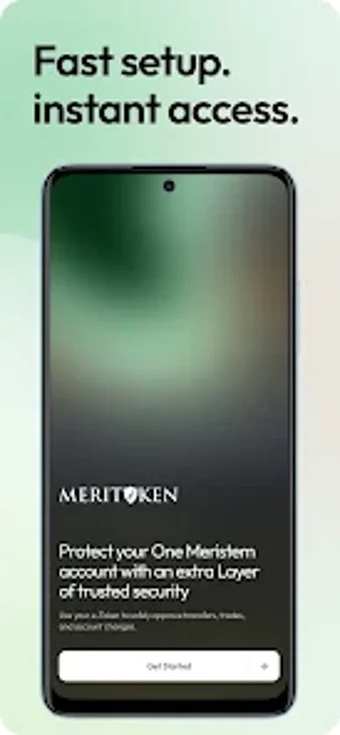
MeriToken secures OneMeristem accounts with mobile 2FA and approvals
Experience one-tap transaction approvals and rotating authentication codes generated on-device, including offline refresh for when connectivity is absent. Meristem Nigeria supplies this Android utility as a companion to OneMeristem, tying mobile approvals to your wealth and trading workflows. The app uses biometrics and encrypted channels for each approval, shows full transaction details before you confirm, and suits account holders who require mobile-first control over sensitive financial actions.
What does MeriToken do for OneMeristem users?
MeriToken generates two-factor codes and handles real-time approval requests for OneMeristem accounts. The app issues time-based authentication codes automatically, displays full transaction context (request type and origin) on approval screens, and offers one-tap copying of codes. It operates as a soft token substitute for hardware tokens and links to your OneMeristem account during initial setup.
Does the app affect device availability or require internet to work?
Authentication works without a network connection because 2FA codes refresh offline. Push notifications arrive for approval when connectivity exists, while the core code generation uses on-device time synchronisation. The developer targets Android devices, so the app runs locally on the handset rather than relying on cloud-only verification.
Is the app safe to use on a personal or production device?
Security measures protect each approval and communication: approvals require the device's Face ID, fingerprint, or passcode, and transmissions to the platform use encryption. The app does not store your primary OneMeristem password, reducing credential exposure. These behaviours keep sensitive steps gated behind device-level authentication and encrypted channels.
Who should operate it and how much technical skill is required?
Account holders of the OneMeristem platform get the most value, since an active platform account is required to link the app. Setup follows prompts from the platform sign-in flow, and biometric prompts rely on device settings, meaning routine users can complete pairing without advanced technical knowledge while retaining visibility over each approval request.
Clear security tool for platform clients, with a single deployment caveat
The app delivers phone-based two-factor authentication and contextual approvals tailored to OneMeristem customers, strengthening mobile control over financial actions. A single limitation is the requirement of an active OneMeristem account for full use, which confines the app to platform clients rather than general-purpose 2FA use. For Meristem account holders, the app provides direct, device-bound confirmation of sensitive operations.